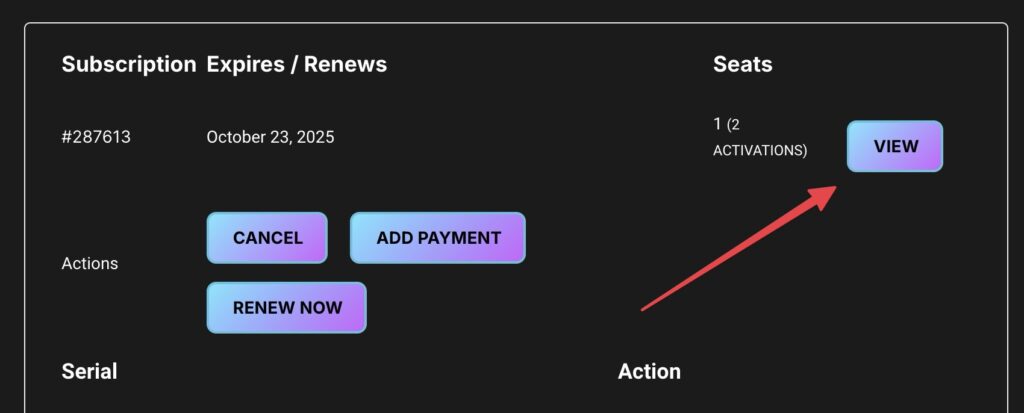
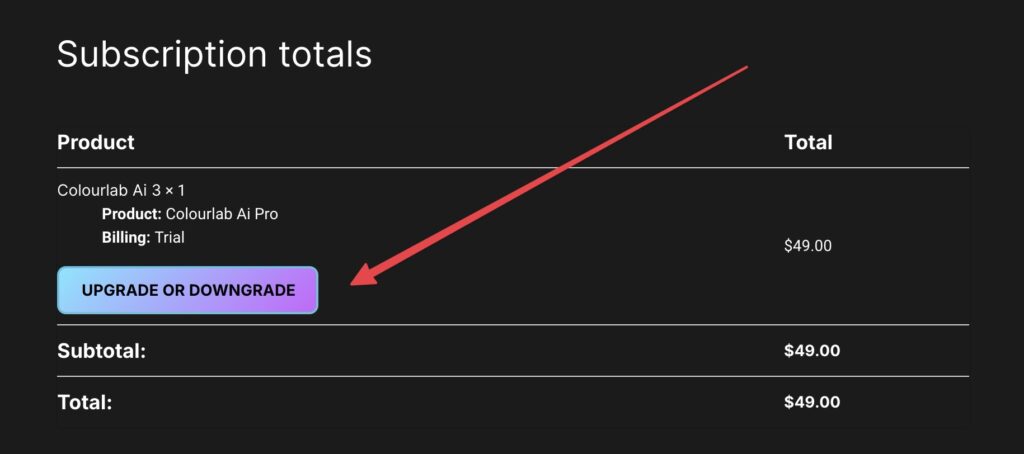
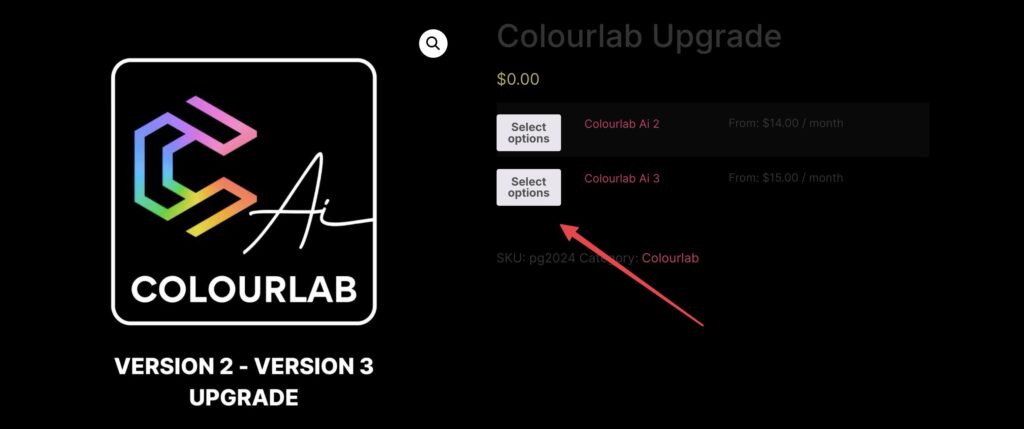
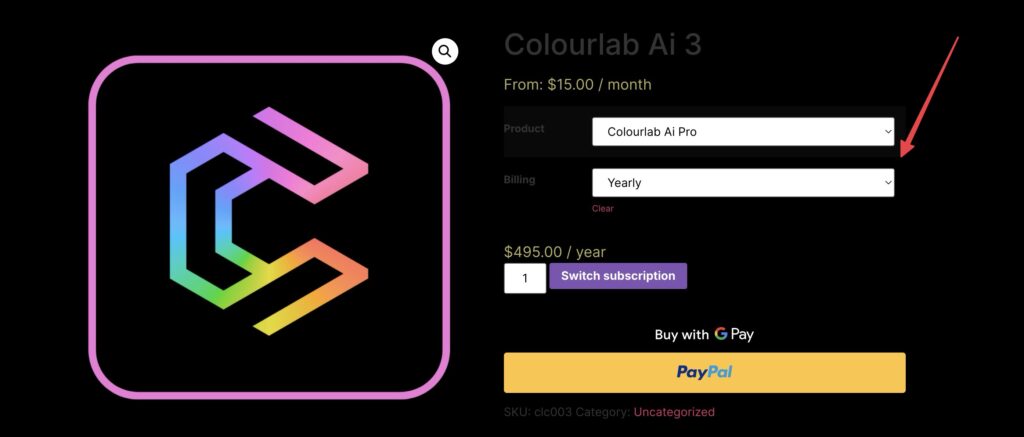
How to Upgrade to Colourlab Ai 3 Pro Dado 2 years ago Many of you have been asking how to upgrade to Colourlab AI 3 Pro, so here’s a quick guide on how to do it: 1. Login to Your Account: Go to your account and click on Your Subscriptions. 2. Select Your Subscription: Find the subscription you want to upgrade and click on View. 3. Upgrade or Downgrade:Scroll down until you see the Upgrade/Downgrade button and click on it. 4. Choose Your Plan:Select Colourlab AI 3 Pro and choose between a monthly or annual subscription. I hope this helps! If you encounter any issues, feel free to reach out to us at help@colourlab.ai.